
Multi-factor Authentication (MFA) at SDE
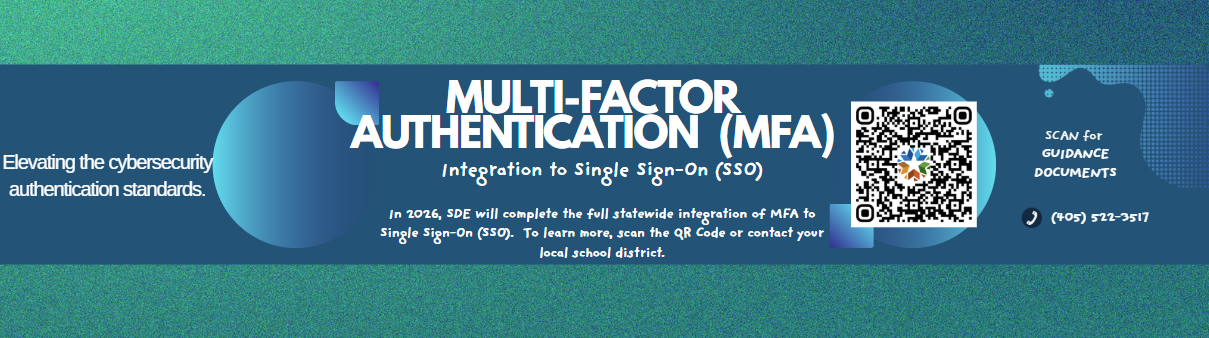
Throughout the Fall 2025 semester, the State Department of Education worked with more than 500 districts across the state to enable Multi-Factor Authentication (MFA) for Single Sign-On (SSO) accounts. This effort strengthens account security and helps protect your data. This January, we look to completing statewide implementation with the remaining districts.
MFA is a critical security measure that requires users to verify their identity using a second factor -MFA app code- before accessing their SSO account. This added layer of protection helps safeguard user accounts, school data, and sensitive information from unauthorized access.
What to Expect:
- After logging in to your SSO account, a QR code will appear to prompt you to set up MFA.
- Ensure you have selected an MFA application for use. SSO will work with any authenticator.
- Below is specific guidance for the most commonly used applications.
Google Authenticator Microsoft Authenticator Passwords iPhone App
- Other MFA guidance can be found in Links and Docs, including a short setup instructional video and MFA frequently asked questions FAQs.
- For further assistance, contact Data Governance at (405) 522-3517 or the OMES service desk at servicedesk@omes.ok.gov, (405) 521-2444.
This update strengthens the security of user accounts, helps protects sensitive data, reduces risk in the event of a data breach, and aligns with established cybersecurity compliance standards. In a time of increasingly frequent cyber threats and persistent phishing attempts targeting organizations and individuals, implementing Multi-Factor Authentication provides an additional layer of protection beyonf a password alone. By requiring a second form of verification, MFA helps ensure that only authorized users can access systems and information, even if login credentials are compromised. This added safeguard is an important step in protecting both systems and sensitive information.