Council Logos & Branding
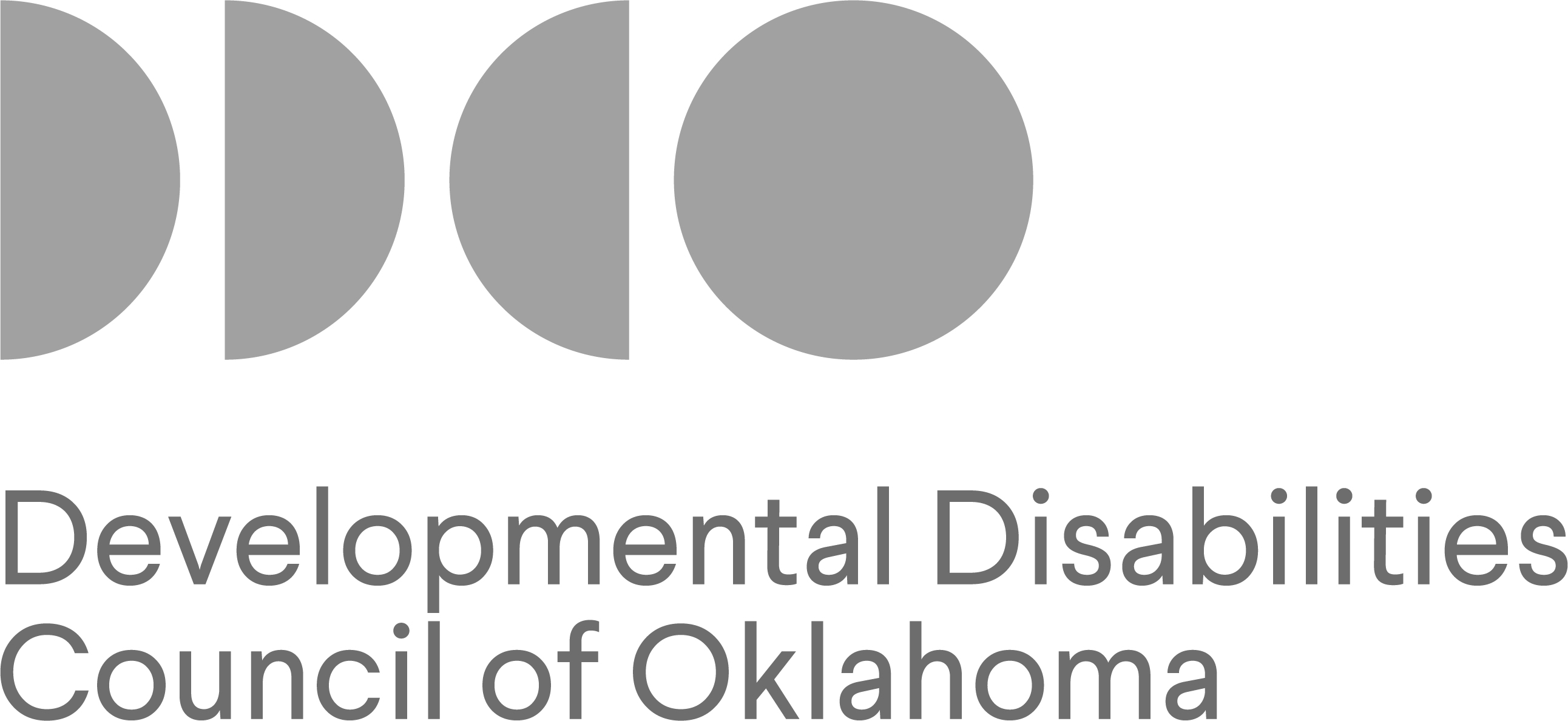
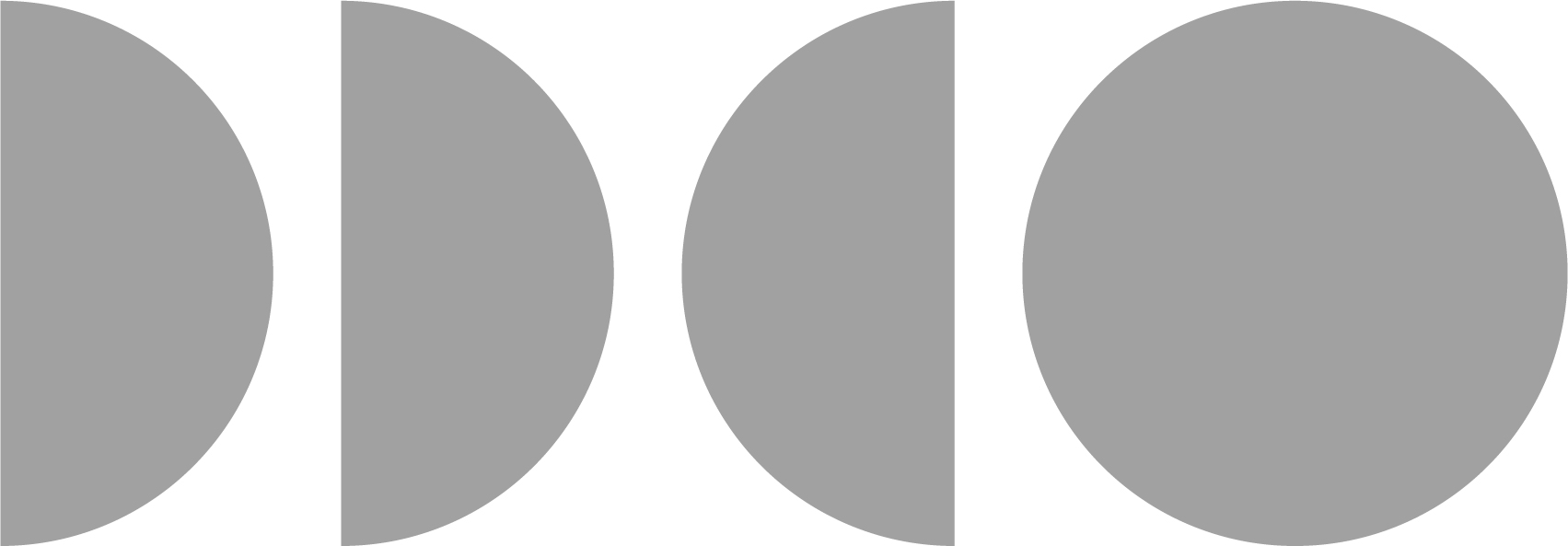
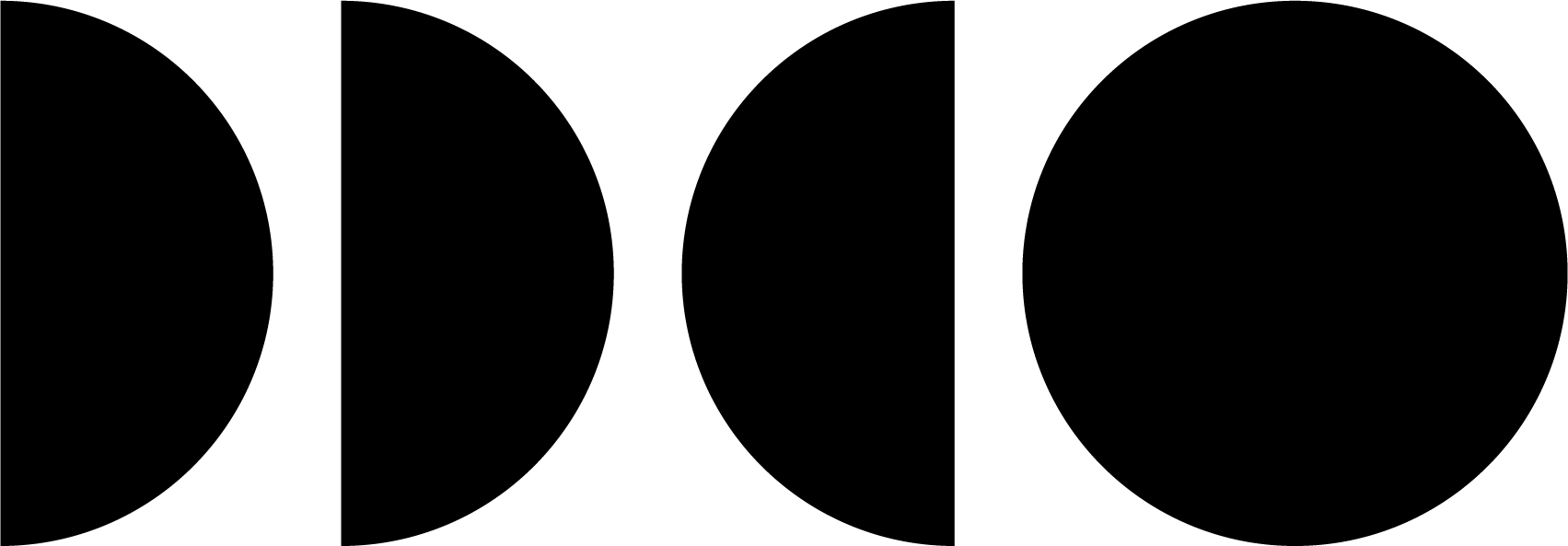
The logo is a unique identifier, showing how pieces of the circle come together to create the whole. Just like the Council establishes collaboration and partnerships, this logo represents working together towards a common goal.
Our Logos
Its the sum of the parts that make up the whole. The DDCO is an advocate for those with developmental disabilities; it's the passion of the Council that helps to put the pieces together, creating a well-balanced, informed community. The logo is a unique identifier, showing that pieces of the circle come together to create the whole. Just like the DDCO establishes collaboration and partnerships, this logo represents the many pieces working togehter towards a common goal.
This guide explains how DDCO should look and sound in everything we share. When we use the same colors, logo, and style, people can recognize us easily.
1. What Our Brand Stands For
- DDCO works to improve the lives of people with developmental disabilities.
- Our brand should show inclusion, respect, and partnership.
- Our logo shows pieces coming together to make a whole. This represents teamwork and community.
2. How to Use Our Logo
- Use the official DDCO logo. Do not change the colors or shape.
- Leave space around the logo so it is easy to see.
- Do not stretch, rotate, add shadows, or change the logo in any way.
- Use alternative text to describe the logo for those with visual disabilities who use assistive technology in reading websites and digital materials.
Use these alternative text (Alt text) descriptions when adding DDCO logos to websites or digital materials.
- Alt text for logo with DDCO written out underneath: The DDCO logo shows four shapes forming a circle, showing pieces coming together as one. Developmental Disabilities Council of Oklahoma.
- Alt text for logo without DDCO written out: The DDCO logo made made of four shapes forming a circle, showing pieces coming together as one.
3. Our Colors
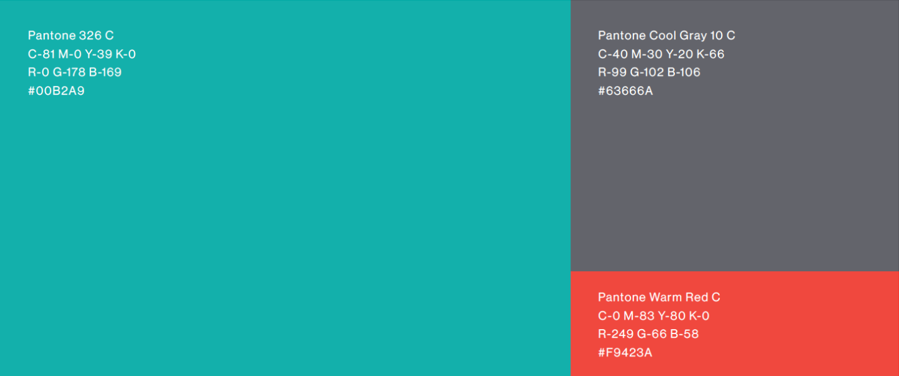
These are our official colors. Use them the same way every time. The red should not be used as a main color. It is meant to highlight important items.
The Council Color Palette:
Green - #00B2A9
Gray - #63666A
Red - #F9423A
Color | Hex # | When and how to use it |
Green | #00B2A9 | Main color for headings, shapes, and backgrounds |
Gray | #63666A | Neutral color for text and backgrounds |
Red | #F9423A | Accent color only — use a little for emphasis |
4. Fonts and Text
- Use simple, easy‑to‑read fonts like Arial, Calibri, Calibri Light, Helvetica, or Open Sans.
- Headings should be bold.
- Body text should be clear and not too small.
- Make sure text has enough contrasts so everyone can read it easily. The WCAG Color Contrast Checker can help you test the color contrast of your documents and website.
5. Images and Visual Style
- Use photos that show real people, inclusion, and community.
- Choose images that feel positive and respectful.
- Make sure any images used have alternative text.
- Avoid cluttered or confusing visuals.
- Keep designs clean and simple.
6. How We Communicate
- Use plain, simple text, examples, and stories.
- Be clear, friendly, and respectful.
- Avoid jargon or complicated terms.
- Focus on what people need to know and what action they can take.
7. Where to Use Our Brand
- Reports: Use our logo, colors, and fonts on the cover and inside pages.
- Social media: Use green and gray as main colors. Use red only for highlights.
- Training materials: Keep slides simple, visual, and accessible. Use our colors and logo.
9. Required Funding Disclaimer
Anyone who receives DDCO funds must include the following statement on any materials created for work with Council funding (such as reports, videos, websites, flyers, or presentations):
This project is provided and funded by the Developmental Disabilities Council of Oklahoma, supported in part by a grant from the U.S. Administration for Community Living, Department of Health and Human Services, Washington D.C. 20201. Grantees undertaking projects with government sponsorship are encouraged to express freely their findings and conclusions. Points of view or opinion do not, therefore, necessarily represent official ACL policy.
How to Use the funding disclaimer:
- Put the disclaimer at the bottom of the page, slide, or product.
- Use a font size that is readable (no smaller than 10 pt).
- Do not change the wording.
- If space is limited (like on a flyer), it can be placed in a footer.
Our logos for download:
How to download our logos:
- Right click on the logo you want.
- At the pop up on your screen, select "Save As"
- When the next window appears, pick a folder on your computer and click Save.






Optional Council Design Patterns
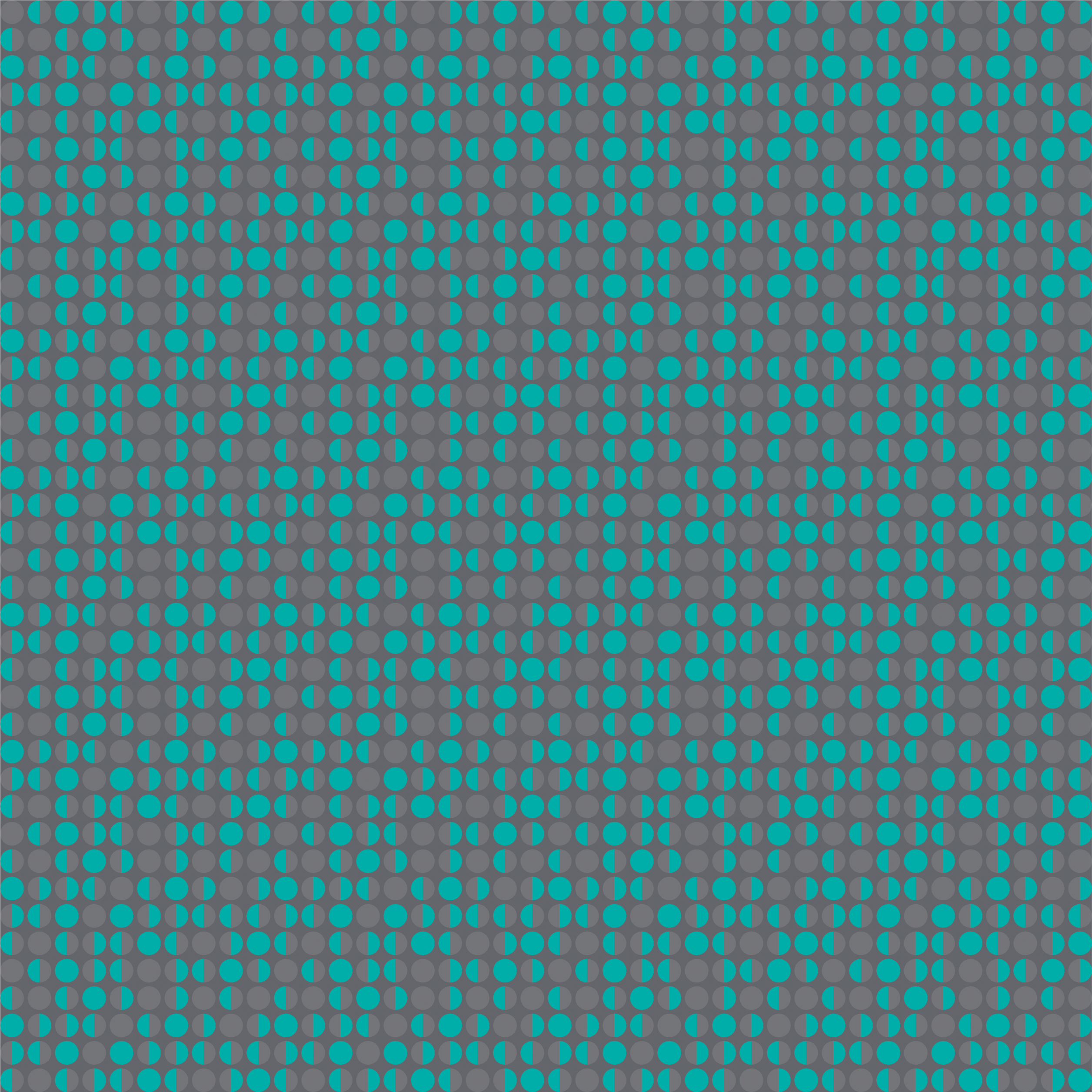
These background patterns are part of DDCO’s visual identity. They reflect the shapes and colors in our logo and can be used to add visual interest to your materials. Below are the optional design patterns you may use. Click to download.
Use them for:
- Flyers, social media posts, and training slides
- Headers or footers in reports and presentations
- Accessible visual story telling
Guidelines for use:
- Always pair with the official DDCO logo
- Use sparingly so they don't distract from your message
- Make sure any text placed over them is easy to read
- Do not stretch, recolor, or rearrange the pattern shapes
Remember, these patterns are optional. You do not need to use them, but they can help your materials feel more connected to the DDCO.


Use these alternative text (Alt text) descriptions if adding one of the optional patterns to websites or digital materials.
A repeating pattern made of circle shapes arranged in a grid. The shapes create a simple, geometric background.